最近有需要用到文字辨識,上網找到了JOCR這個軟體,這是一套Freeware,是EverRex Software的產品。下載後不用安裝,直接執行即可使用,目前版本JOCR 1.0(March 13, 2006),只有84KB。
官方網站:http://home.megapass.co.kr/~woosjung/index.html
下載網址:http://home.megapass.co.kr/~woosjung/Index_Download.html
開啟JOCR.exe,使用抓取功能(Capture Region、Desktop、Windows),擷取螢幕上的文字(通常是圖上的文字)。記得要先選取視窗最下方的語言,例如「Chinese_traditional」,才能正確辨識想要的文字。
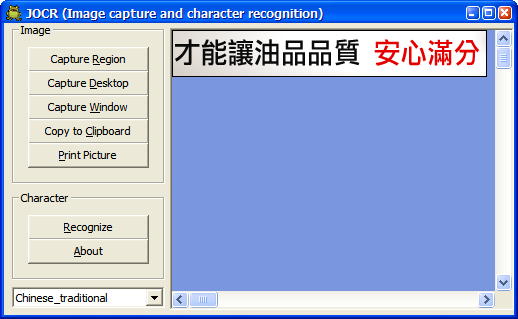
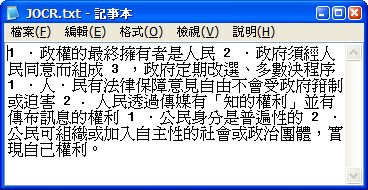
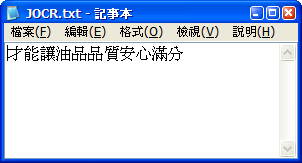
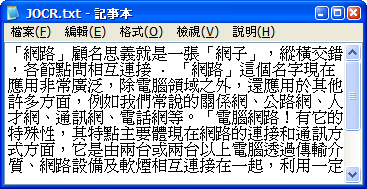
當按下「Recognize」按鈕,即會執行辨識工作,不一會兒,辨識好的文字,會在記事本中顯示。
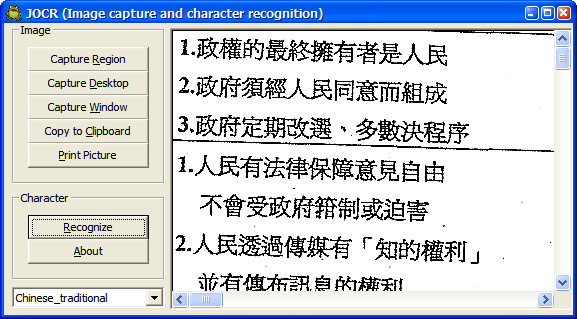
再拿一份文件以掃描器掃描後顯示在畫面上,然後抓取想要部分的畫面(因為無法開啟檔案,只能抓取畫面)。再按下「Recognize」按鈕,顯示的結果,發現辨識率真的不差。而文字歪歪的,也能接受。尤其又是免費的,實在是個小而美的好用工具。
試著拿數位相機來拍文件,讓JOCR來辨識看看:
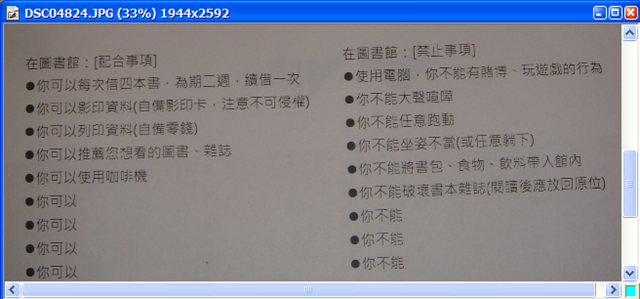
抓取螢幕上的片段,雖然有些暗,沒有加以影像處理,直接來讓它辨識。
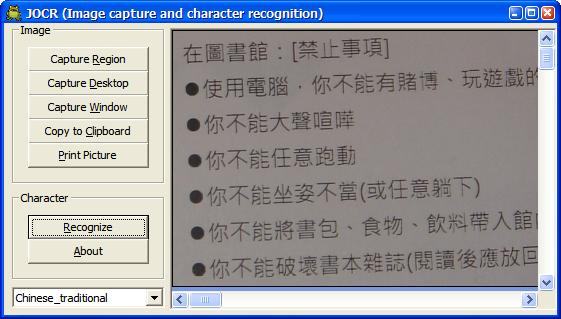
結果也是令人滿意哦!
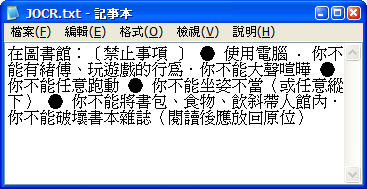
利用google圖書來搜尋書本。
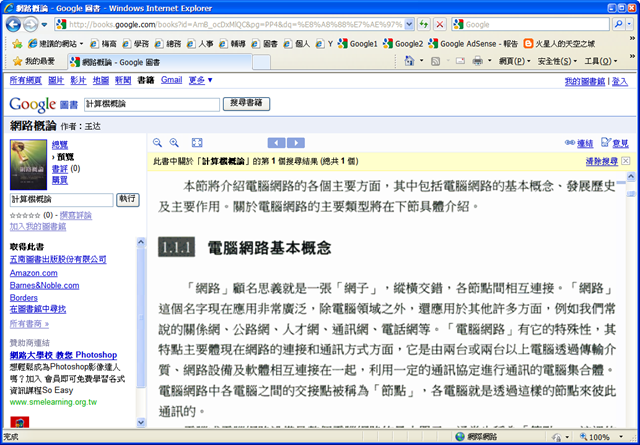
抓取想要的文字(字體不要太小):
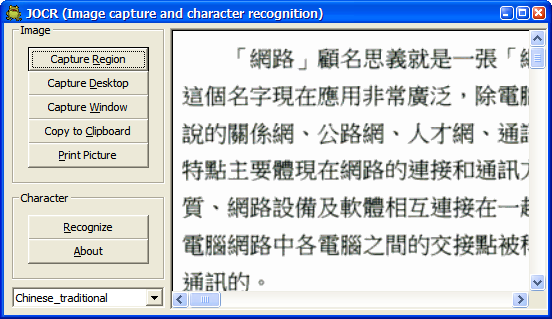
辨識效果一樣完美。
文章標籤
全站熱搜

尊敬的先生: 感謝您提供了這一資訉. 我下載之後使用, 軟件都出現一個視窗: 英文字如下: The error message is ActiveX component can't create object. Is it proper string image? Or, confirm your available language by executing [MS Office >MSOffice Tools >MS Office Document Imaging ] and selecing [Tools >Options >OCR tab >OCR Language] 而不能識別. 我用來識別的是用掃描器, 摺成的圖文件. 不知問題在哪裏, 請指教. 回信, 請寄: goodtimepy@163.com. 十分感謝.
你好,提醒您,這有可能是未正確安裝造成。你必須先安裝 Microsoft Office 2003(含以上版本),且必須安裝 Microsoft Office Document Imaging。 或許你可以試試先移除Microsoft Office Document Imaging,再重裝 或是到此網站下載,再安裝一次試試:http://www.microsoft.com/zh-tw/download/details.aspx?id=4153 參考這篇的說明:http://support.microsoft.com/kb/982760/zh-tw
看完這篇文章後看到這個.. All-in-One PDF Tools: Convert, Edit, Merge... Convert PDF to Word, Excel, PowerPoint... • Convert PDF to Word with the same formatting but more easily edit text. • Extract tables from PDF to Excel, allowing for further analysis and calculations while preserving the original data and layout. • Also Convert PDF to PowerPoint, EPUB, HTML, RTF, text and images including JPG, PNG, TIFF, GIF and BMP. • Convert fast. 500+ PDF files can be converted at one time. Convert Protected PDF Remove PDF restrictions by converting protected PDF to Word, Excel, PPT and other file formats. Reuse PDF content easily. (http://www.wondershare.net/ad/pdf-editor/converter.html?gclid=CJjakdqL3sECFdh7vQodFLcAMQ) 好像還不錯,可以試用看看。